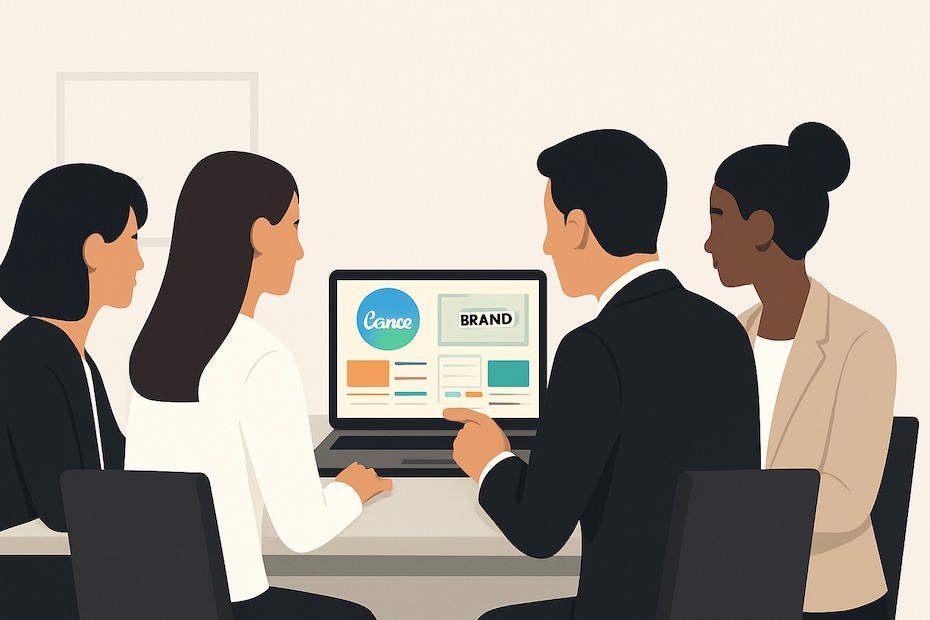
You use Canva to scale your business branding by centralizing assets, locking your visual identity into repeatable templates, and enabling every team member to produce on-brand content quickly. The platform gives you the structure, speed, and consistency required to operate as a high-performance brand.
In this guide, you’ll learn how Canva helps you unify your visual identity, accelerate design output, and eliminate bottlenecks that slow down brand execution. You’ll see what real users ask about Canva, how those questions relate to your daily workload, and how to apply these answers to your branding system.
What is Canva’s role in business branding?
Canva serves as a central hub for your visual identity. It houses your logos, fonts, color palette, templates, and recurring brand assets in one accessible space. You use it to keep every project aligned without needing specialized design tools or additional software.
Canva’s Brand Kit organizes your identity so your visuals stay consistent across social posts, pitch decks, print material, ads, and internal documents. When you upload your elements into the Brand Kit, you lock in your identity at the source. This prevents inconsistencies that often creep in when multiple people create content.
You also gain speed. Teams no longer spend hours building designs from scratch. They grab a template, add approved elements, update the message, and publish. This reduces revision cycles and gives your brand a clean, unified look across every touchpoint.
How does Canva keep your brand consistent across teams?
Canva maintains consistency by enforcing brand-approved elements at every step. Its Brand Kit assigns your exact colors, typefaces, and logo variations, ensuring that nobody drifts off style.
You can also restrict changes within templates. By locking brand components—logo placement, color fields, layout sections—you prevent accidental changes that dilute your identity. This is especially useful when you manage large teams or external contractors who contribute to your brand output.
Larger organizations lean on Canva’s permission settings, which let you assign roles. Designers can build and refine templates; managers approve assets; contributors edit only the fields provided. This structure ensures that every user works within defined boundaries, keeping your identity intact without slowing down the creative flow.
What features help you scale design output without losing quality?
Canva’s strength comes from its combination of structure and simplicity. Its drag-and-drop editor removes friction from the design process, and its extensive library of templates saves time on layout decisions.
You can build a suite of templates for your recurring needs:
- social graphics
- business proposals
- presentation decks
- email banners
- product one-pagers
- event materials
When you start from templates rather than blank canvases, you remove uncertainty and accelerate production. Your team focuses on messaging, not formatting. You also reduce errors because the template already follows brand rules.
Canva’s search and filter tools make it easy to reuse assets. Once your brand grows, you rely heavily on asset libraries. Being able to find previously used icons, layout structures, and photos reinforces consistency and cuts down on repeated design work.
What real performance gains can Canva offer your business?
You can expect faster turnaround times, fewer design mistakes, and more consistent brand presentation across channels. Teams often report shorter production cycles because they spend less time micromanaging visual details.
You also reduce cost. Canva minimizes the dependency on specialized design resources for routine tasks. Senior designers can focus on advanced creative work while the rest of your team handles day-to-day production confidently.
Brand recognition grows when your visuals follow a unified identity. Customers trust what they recognize. When they see repeated patterns in your design—color use, type style, imagery, layout—they form stronger memory associations. Canva helps you build those patterns without deviation.
How do you set up Canva correctly for branding at scale?
Start by establishing your Brand Kit. Upload your logos in all required formats. Add your full color palette with accurate HEX or RGB values. Set your brand fonts for headings, subheadings, and body text.
Next, build your template library. Identify your high-volume content types and create templates for each. Keep layouts simple so they’re easy for your team to use. Prioritize typography, spacing, and color discipline over decorative design.
Once your templates are ready, organize your folders. Segment design types so your team can find what they need quickly. Encourage a clean file structure—this saves time and reduces search frustration.
Train your team on usage. Show them where the Brand Kit lives, how to access the templates, and how to follow the approved structure. A short onboarding session prevents errors later.
What mistakes should businesses avoid when using Canva for branding?
One mistake is relying too heavily on random templates from Canva’s library rather than building brand-specific templates. While Canva’s library is extensive, templates not built for your brand often introduce inconsistent design cues.
Another misstep is failing to maintain the Brand Kit. If your company updates its logo or adjusts its color palette but those changes aren’t reflected in Canva, your team ends up using outdated visuals. This disconnect creates inconsistency in your marketing.
The third mistake involves permission control. When too many contributors have editing freedom, templates drift off brand. Locked elements, limited editing roles, and controlled review channels protect your identity as your output grows.
What real-world use cases show Canva’s value for business branding?
Large organizations use Canva to unify branding across multiple teams and locations. Companies with branches, retail outlets, or distributed teams rely on Canva to keep every location aligned without requiring local designers.
Small businesses leverage Canva to handle branding internally. Instead of outsourcing every graphic need, entrepreneurs build their assets through templates and maintain control over their visual identity. This is especially helpful for marketing-heavy sectors with frequent content cycles.
Creative teams use Canva to collaborate on campaigns, presentations, and product launches. Because Canva allows simultaneous editing and shared asset access, teams work faster and communicate more efficiently.
These cases demonstrate how Canva performs equally well for startups, agencies, local businesses, and large enterprises. Its value grows as your need for consistent, repeatable design increases.
How Canva Streamlines Business Branding
- Centralizes brand assets and approved elements
- Enables fast template-based design
- Maintains visual consistency across teams and channels
Your Branding System Starts Here
You now have a clear view of how Canva strengthens your brand through structure, speed, and consistency. When you upload your assets into the Brand Kit, build template libraries, and guide your team with discipline, you eliminate the inefficiencies that slow down brand execution. This positions you to operate with the efficiency and clarity expected of a high-performing brand. Commit to refining your visual identity inside Canva and watch your design workflow become faster, cleaner, and more strategic.

Kevin Tudhope is Operations Manager at Equity Investment Mortgage with 10+ years in the mortgage industry. Founder of Tudhope Management Inc., he also leads local franchise operations in Auburn–Opelika and mentors first-time homebuyers and entrepreneurs.